
Toolbar
The tool icons in the media bank and their functions
Toolbar
Select one or more media files by clicking on the images. Then click on one of the tool icons to the right above the images. Under the icons there are menus with various tools.
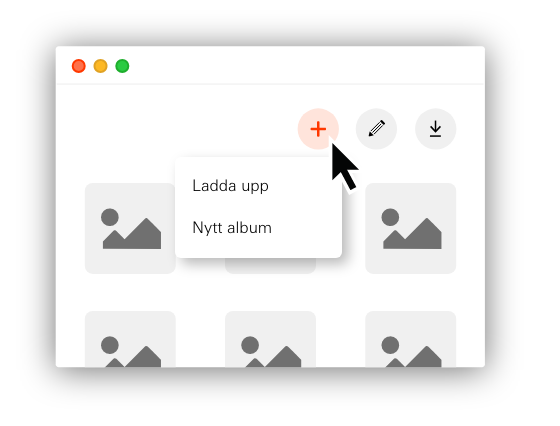
- New album creates albums in levels to structure your files.
- Upload files from your computer.
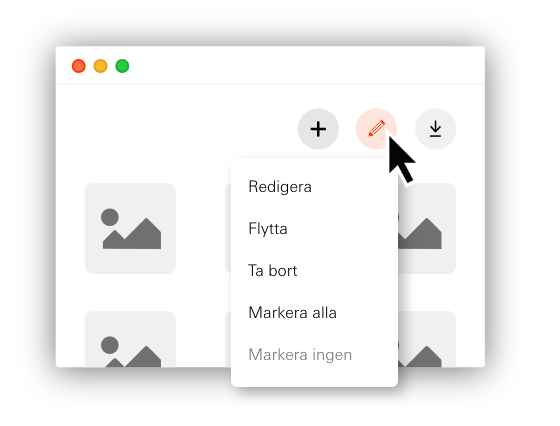
- Edit tag, and change information about the files.
- Move files and albums.
- Delete media files
- Select all/none, selects or deselects media files.
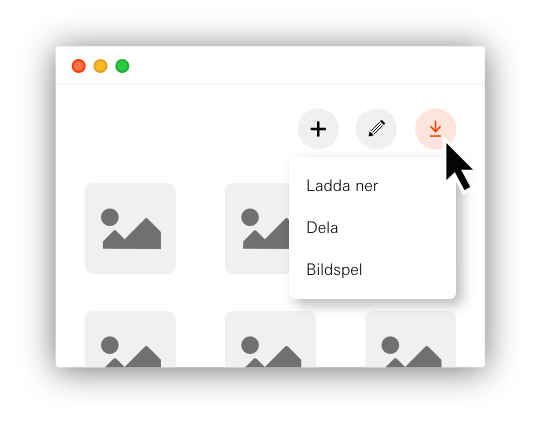
- Download media files in various formats.
- Share media files to an external party via download link that automatically becomes invalid after three months. Read more under Share
- Slideshow shows images in full screen for presentations.
Read-only users have a limited menu with options to Download, Share and Slideshow that work as described above.